

A Truly Random Seed Phrase
COLDCARD users were hacked for over 1,700 BTC ($100m) earlier this year. The COLDCARD seed word generation was extremely weak, allowing hackers to guess the seed words of every user and drain their wallets. This led many crypto users to start doubting the quality of their own seed words.
Using physical dice or playing cards to act as the source of randomness for secrets is not new, but it took a shocking heist for the concept of “diceware” to resurface from obscurity to its rightful place as best practice. In this post I will show you how to generate seed phrases using normal playing cards.
Randomness, entropy
Just like humans, computers are terrible at coming up with random numbers. Ask someone to think of a number from 1 to 10 and around 30% will think of 7. Ask a computer and it’ll pick a number related to the number of seconds it’s been switched on. Even when computers have better ways of coming up with random numbers, like measuring the ambient temperature in the room, they often do not sample enough randomness. COLDCARD had exactly this bug, letting attackers check all the possible 1.1 trillion seed word combinations in hours to days. Longer for the later models.
A deck of 52 cards can be shuffled in 80.7 unvigintillion different ways, a number so large it’s hard for us to compare to anything that’s not astronomical, greater than the number of atoms in our sun. You can make a truly random 12 word seed phrase by shuffling only 34 cards. The weak COLDCARD seed phrases were using only between 15 and 23 cards. I’ll be using the full deck.
Equipment
You will need a deck of playing cards and an air gapped machine. I’m using a dedicated Raspberry Pi 5 with a touch display for the purpose, but you can use or buy an old laptop. The Raspberry Pi is a mini computer that runs Linux. My setup was $100.
You must not connect this machine to the Internet or any other network. You must permanently disable Wifi and Bluetooth on the machine and never use it for any other purpose.
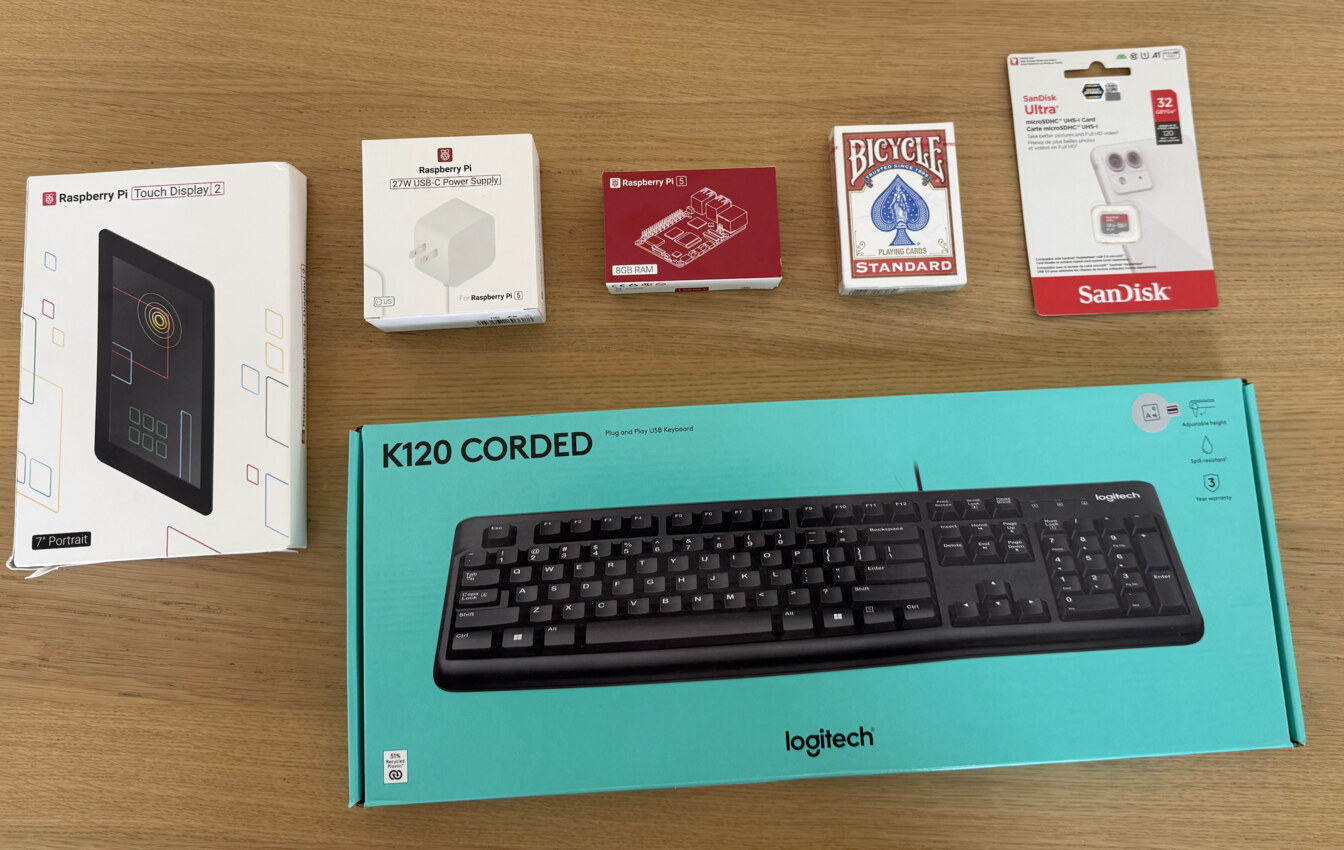
I bought a corded keyboard as well, but you can also use the on-screen keyboard of the touch display.
Raspberry Pi setup
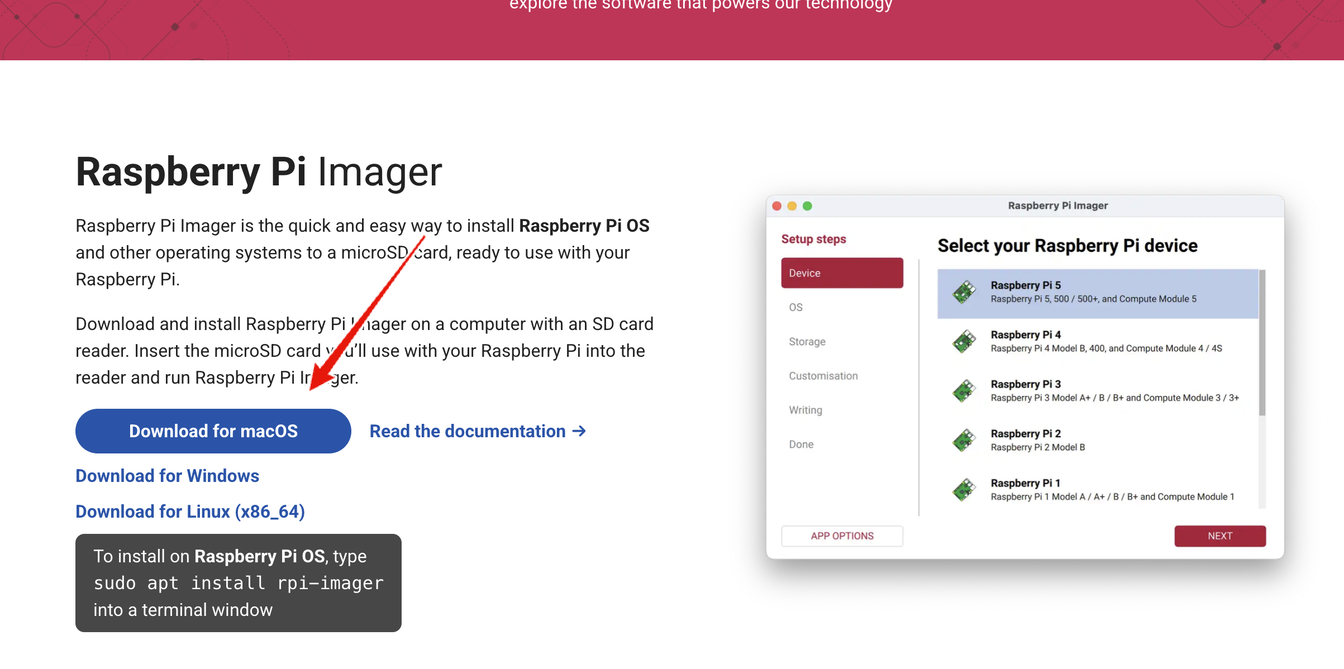
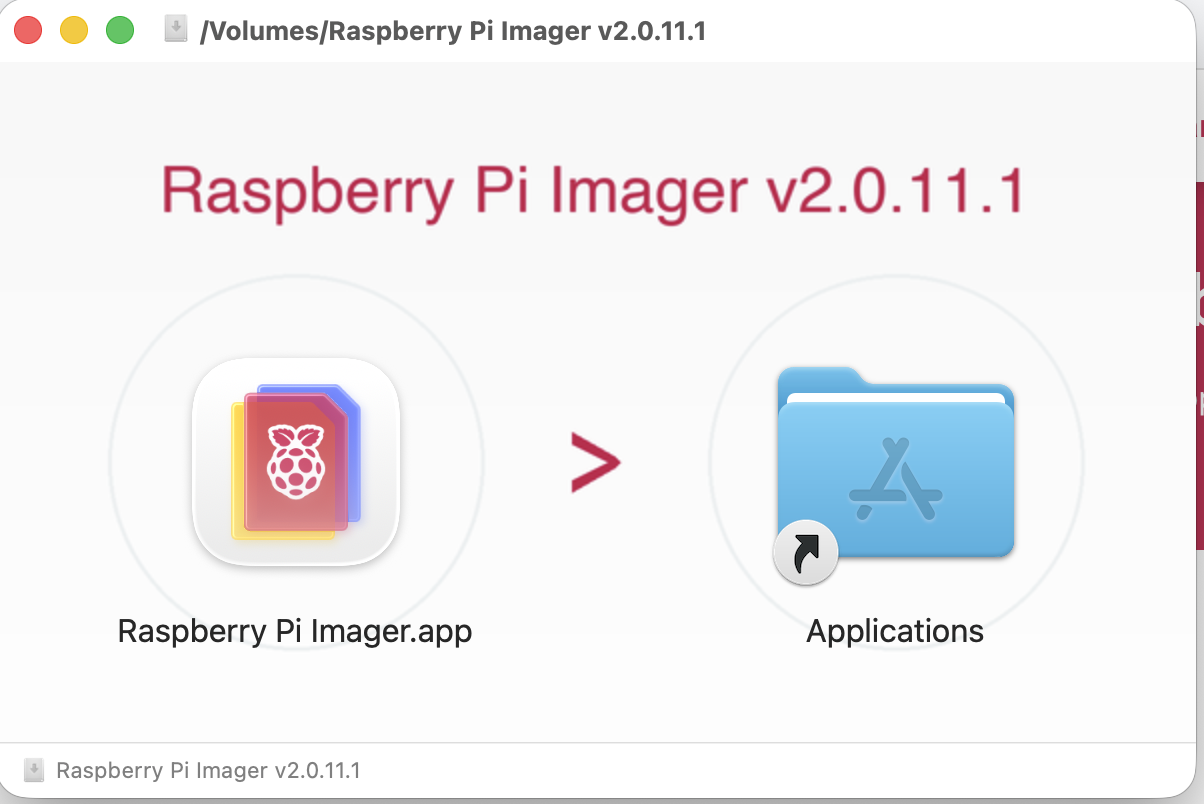
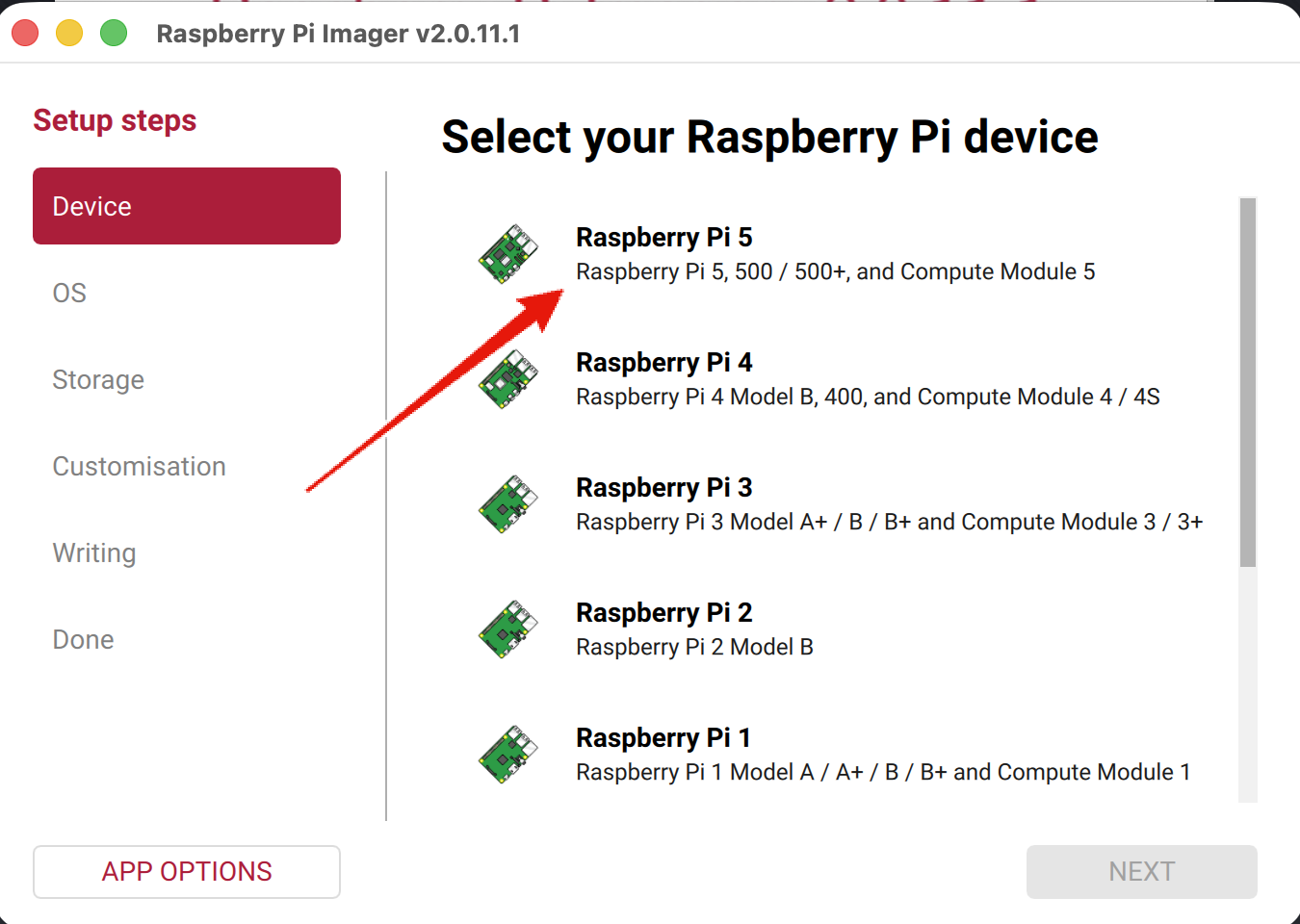
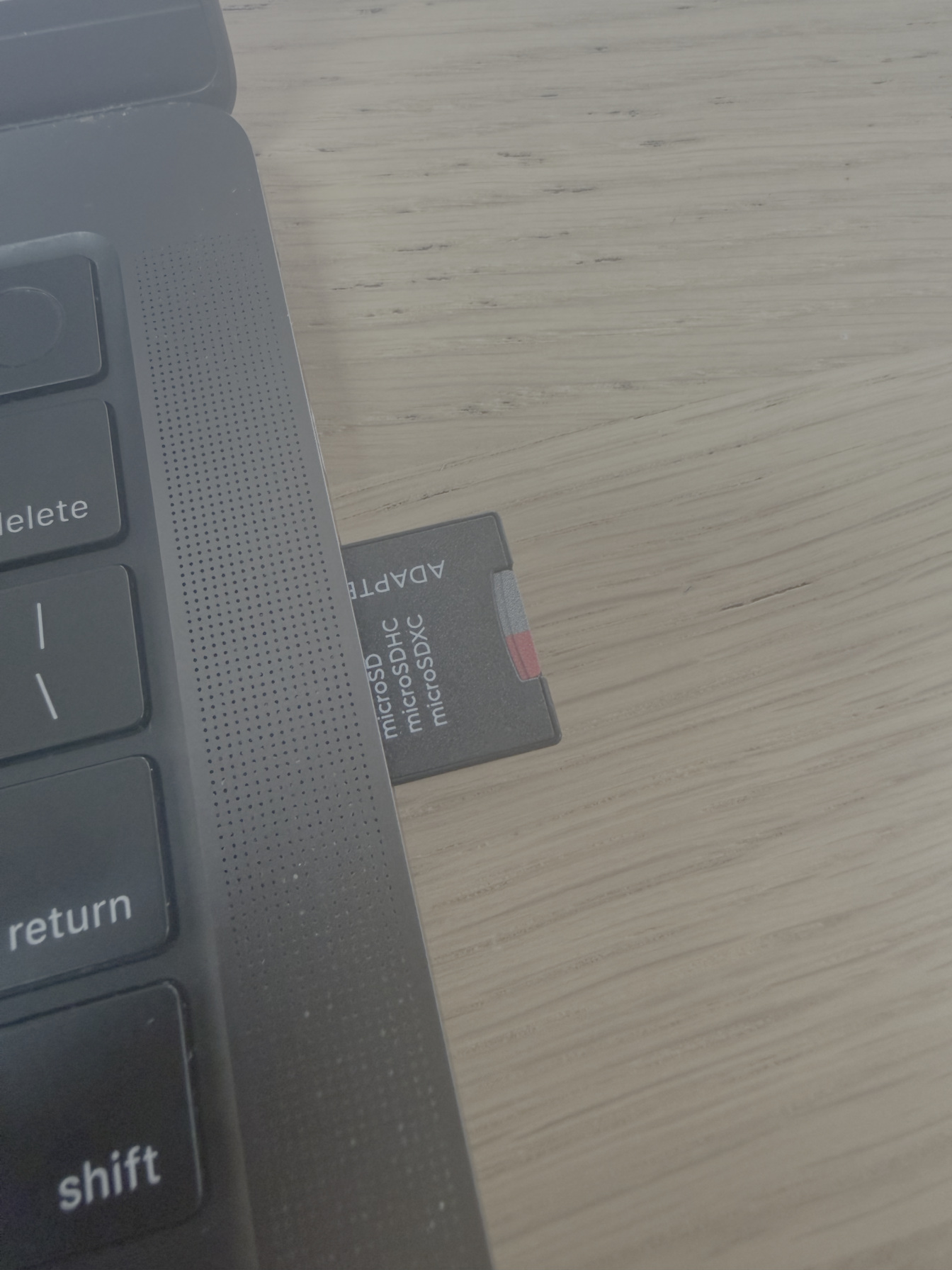
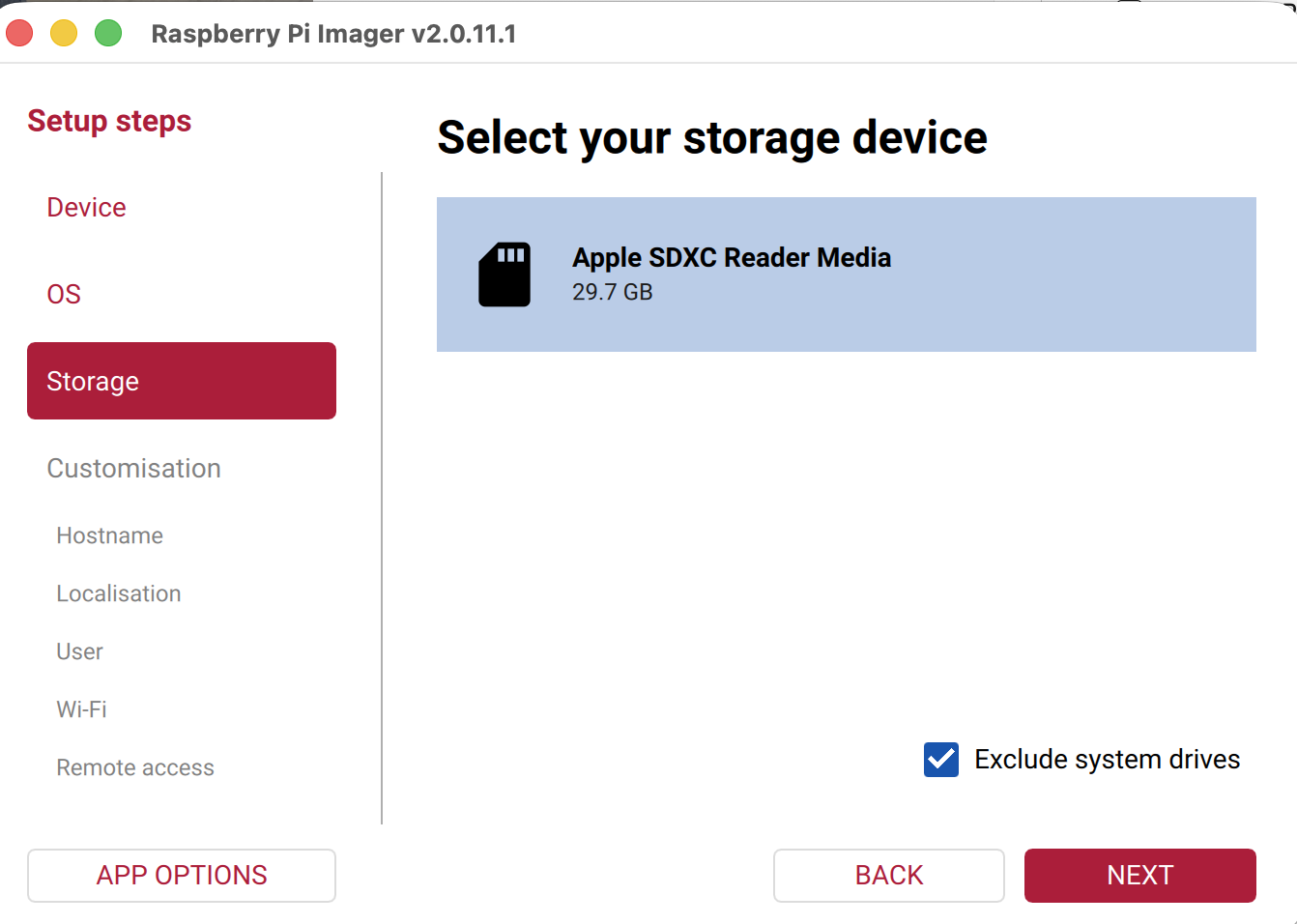
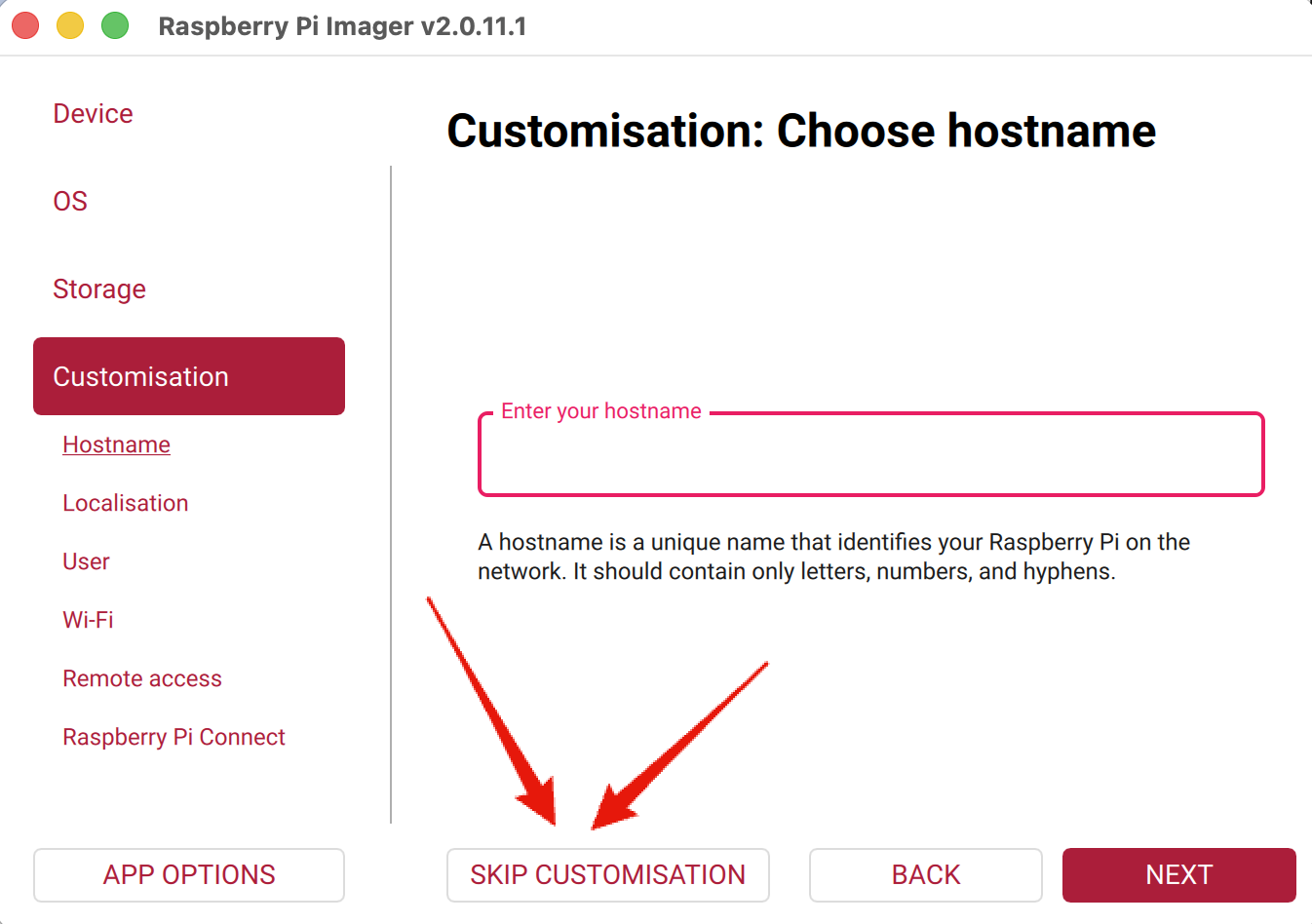
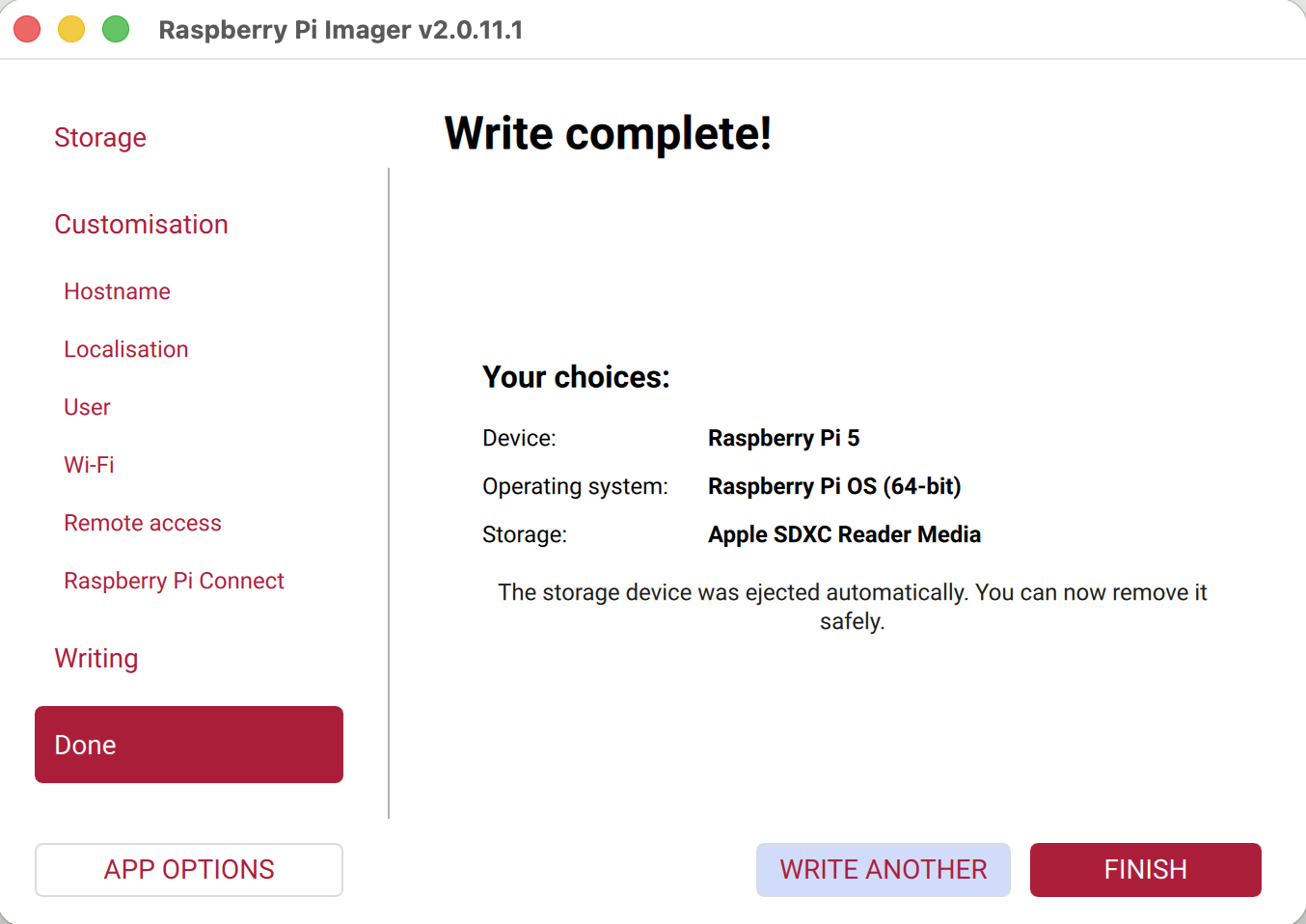
Download and install the Raspberry Pi imager. Use it to install the recommended Raspberry Pi image on your SD card. If you’re using an old laptop, set up a Linux live boot and skip this section.
Transfer the seed word application
We’ll be using the legendary iancoleman “BIP39 tool” application for turning the deck of shuffled cards into seed words. It’s been around for over 10 years and is unlikely to contain bugs. I ran a security audit with Anthropic Fable just to be sure.
It’s named after BIP39, the Bitcoin standard for turning seed words into private keys and back.
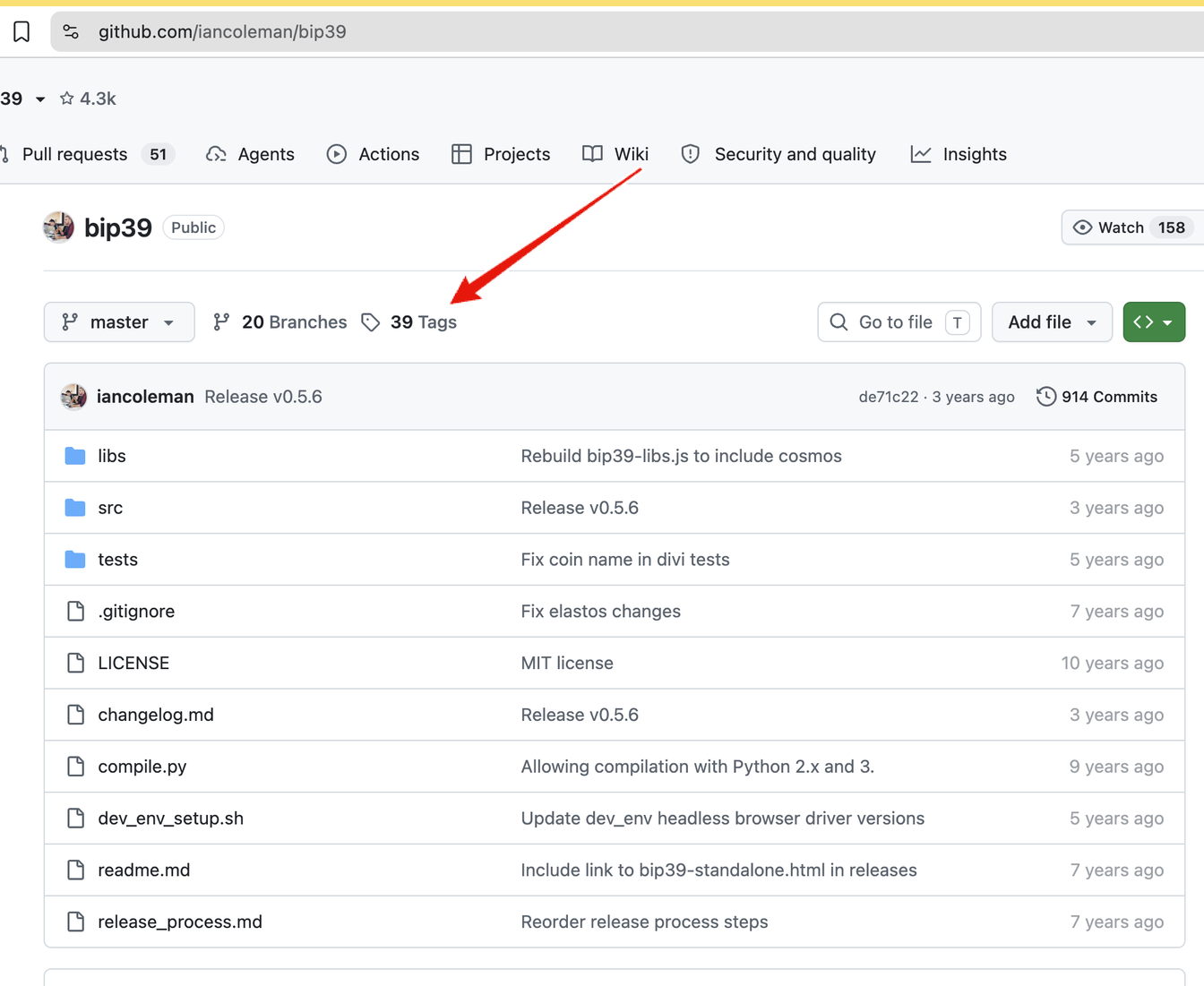
Using your Internet connected workstation, go to github.com/iancoleman/bip39 and click Tags.
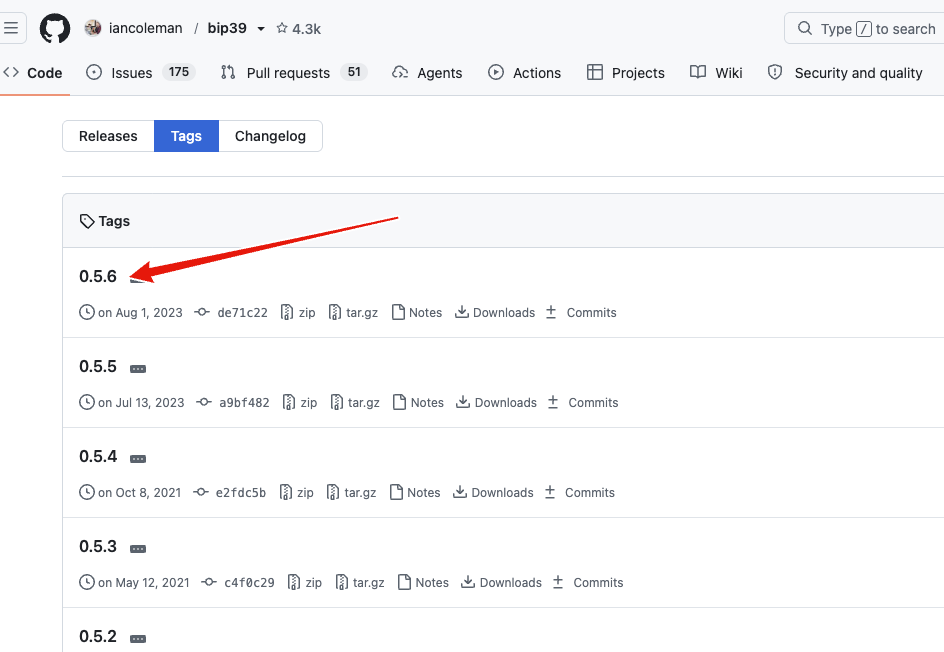
Click on 0.5.6 even if a newer one is available.
Right click bip39-standalone.html and click Save As.
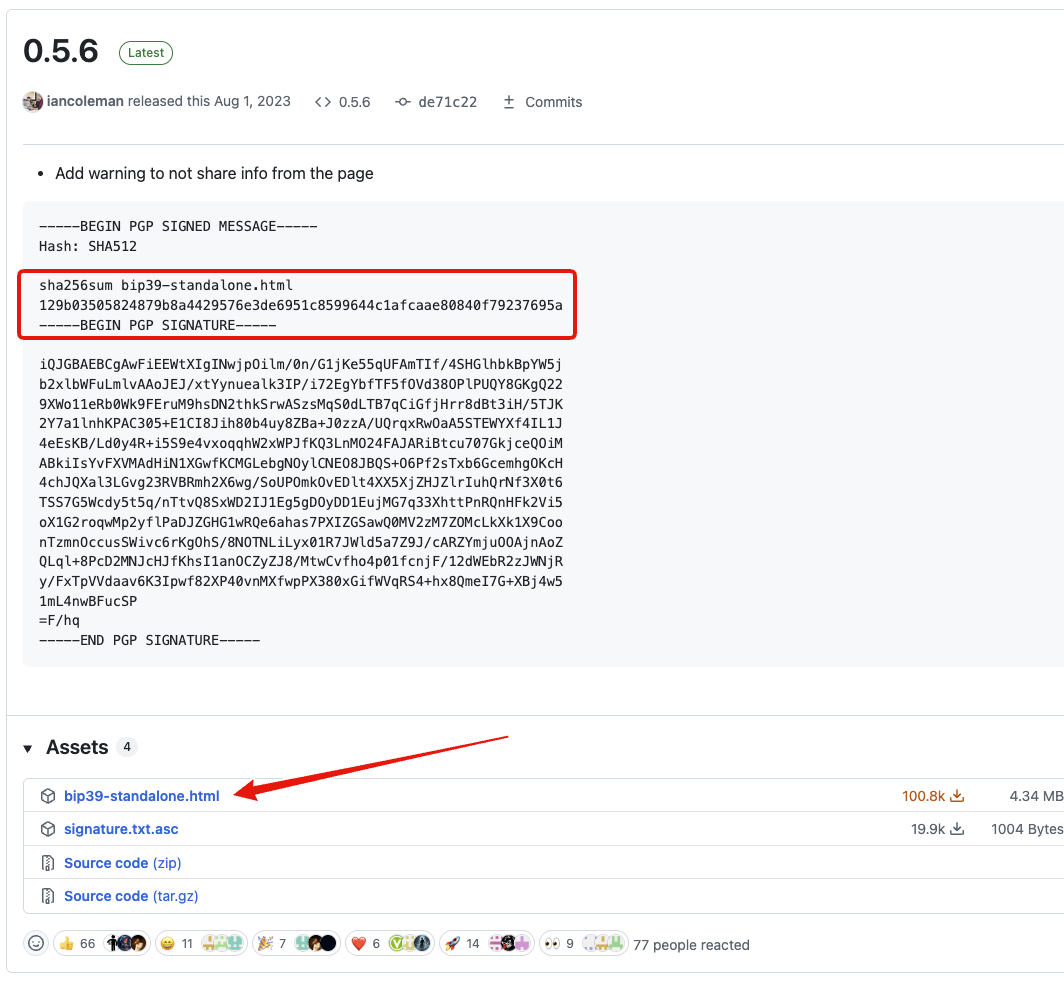
For the very paranoid: I was able to find a copy of the iancoleman/bip39 page from 2024 to confirm the fingerprint is unchanged since then.
Note how there’s a checksum in the red box. This fingerprint proves the html file on my air gapped machine hasn’t been tampered with. It should be exactly 129b03505824879b8a4429576e3de6951c8599644c1afcaae80840f79237695a.
Save the html file inside the SD card which on my machine is labeled bootfs. Don’t worry about storing it next to all the other system files.
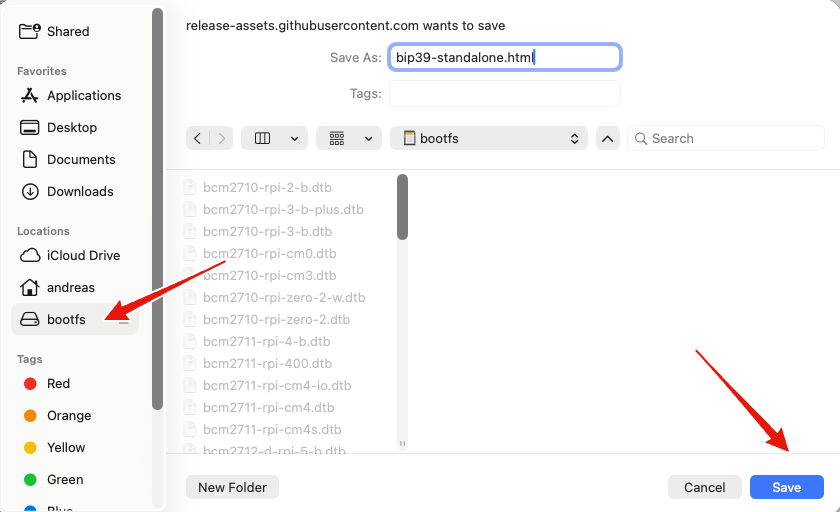
Now safely eject the SD card or wait a few seconds, then remove it from your workstation. If you’re using an air gapped laptop, copy the html file over using a USB stick.
Raspberry Pi touch display
If you’re using a Raspberry Pi touch display like me, follow the assembly guide.
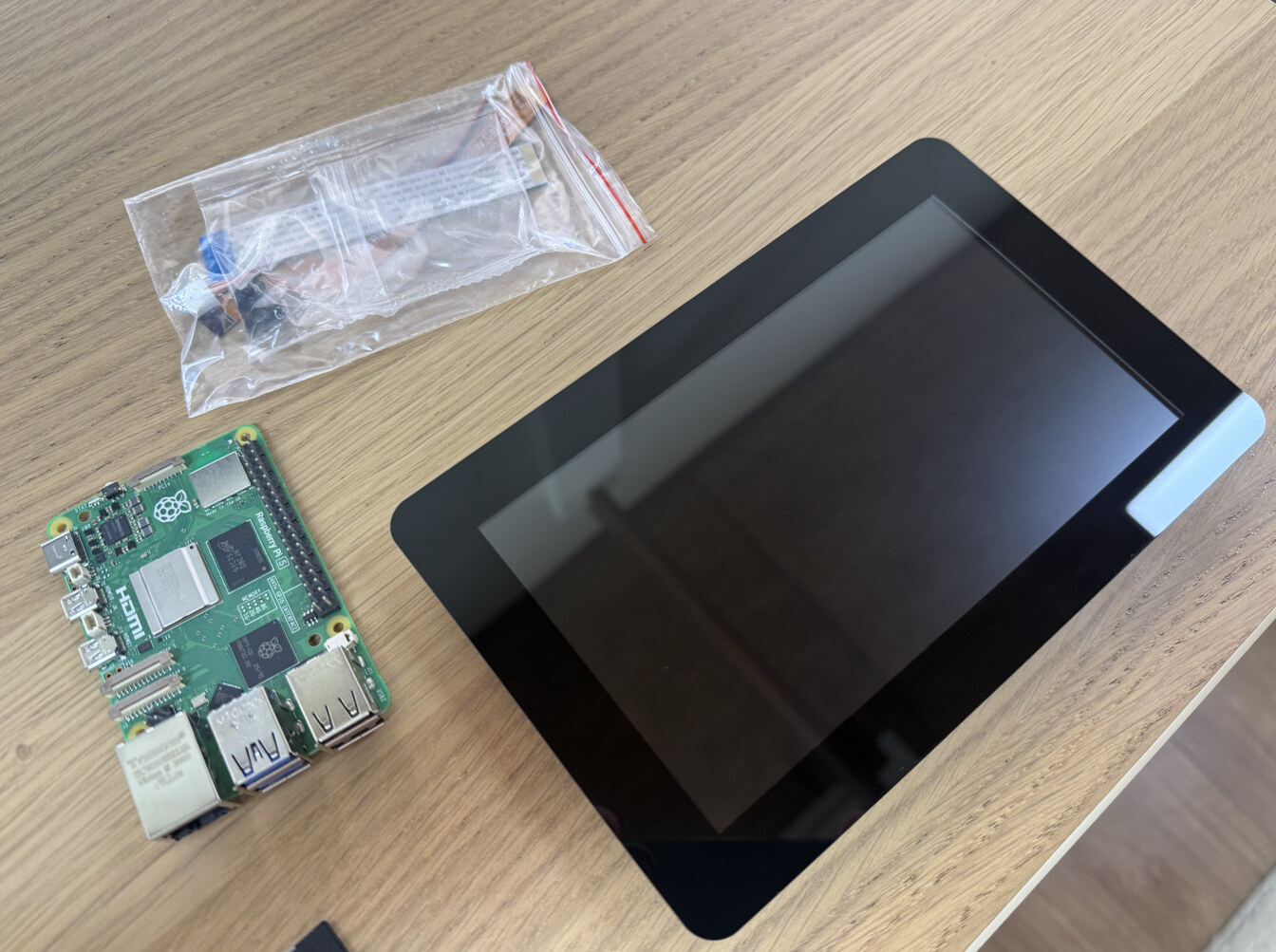
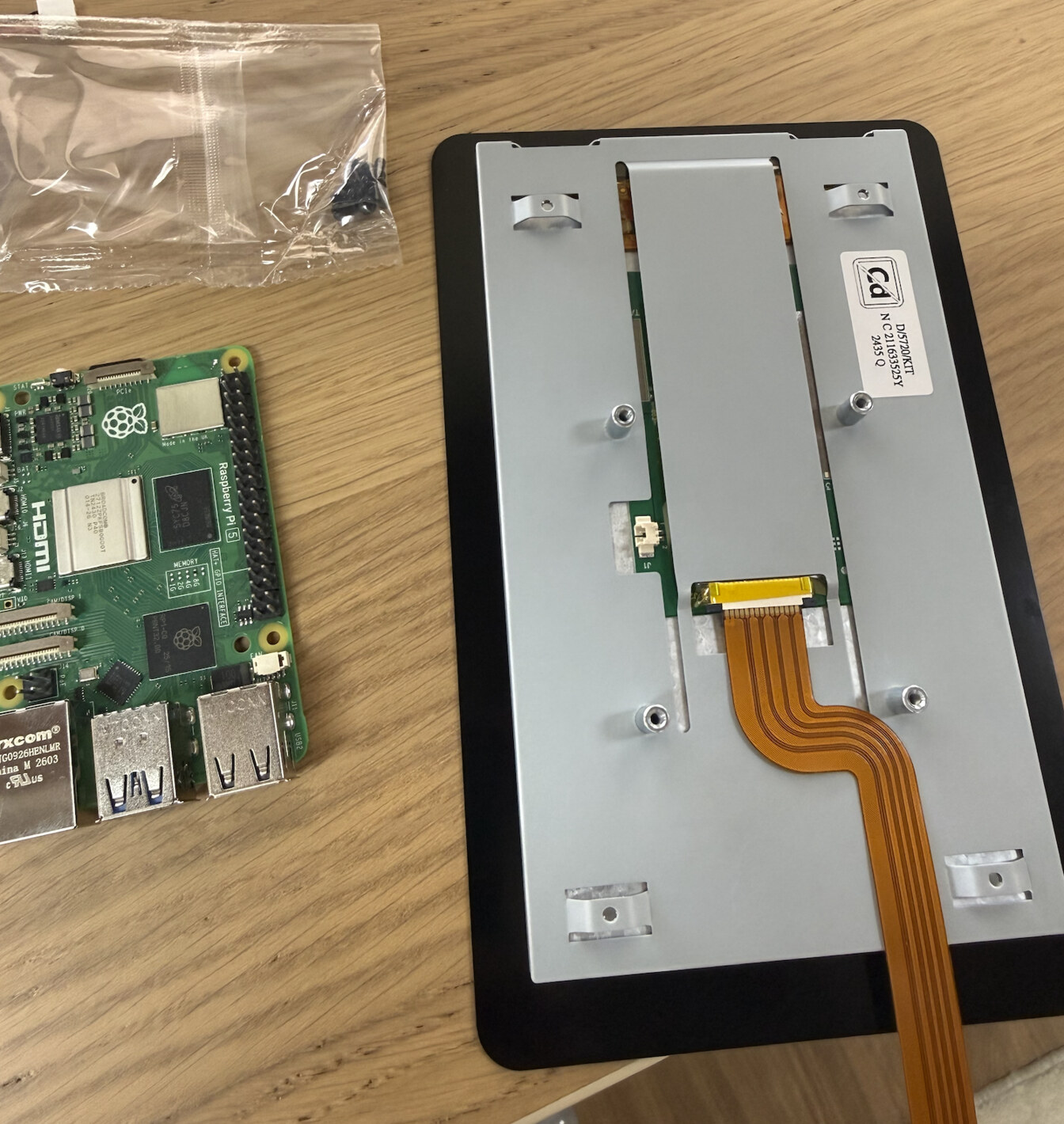
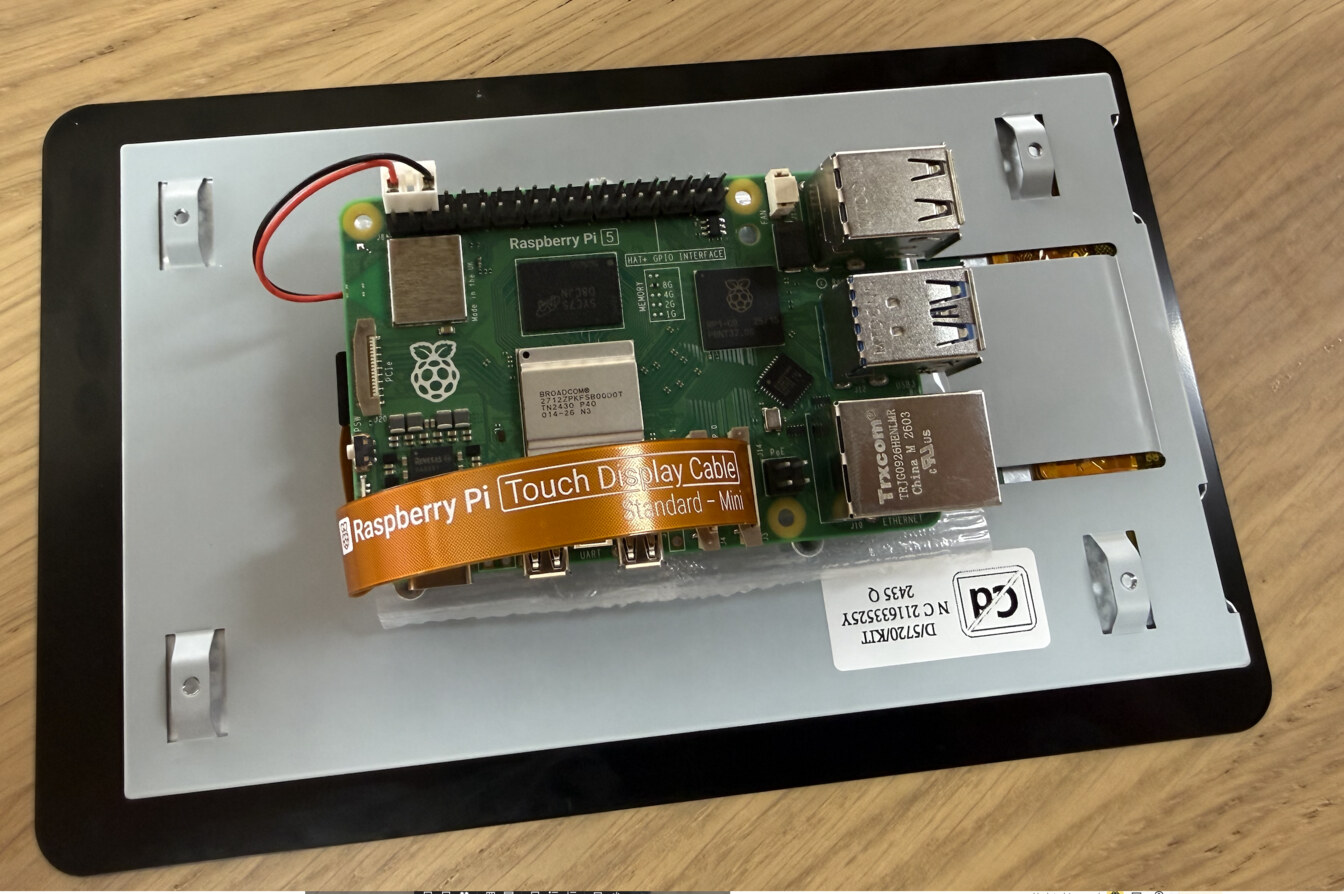
And plug the power into the Raspberry Pi.
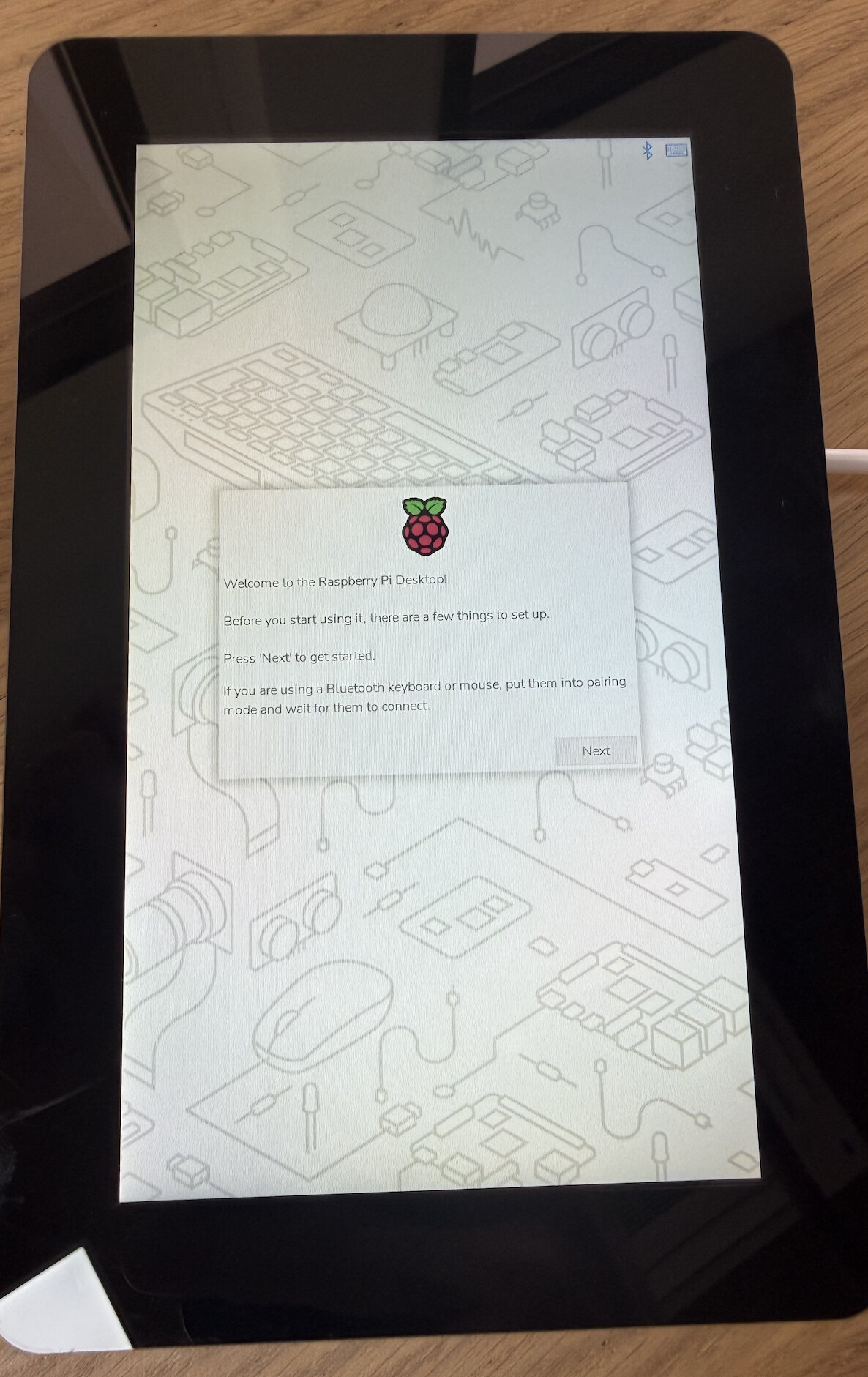

The BIP39 tool
Verify the checksum of the html file by clicking Terminal on the desktop and typing sha256sum /boot/firmware/bip39-standalone.html.
It should print the same 129b03505824879b8a4429576e3de6951c8599644c1afcaae80840f79237695a we observed previously.
Open the html file in Chrome.
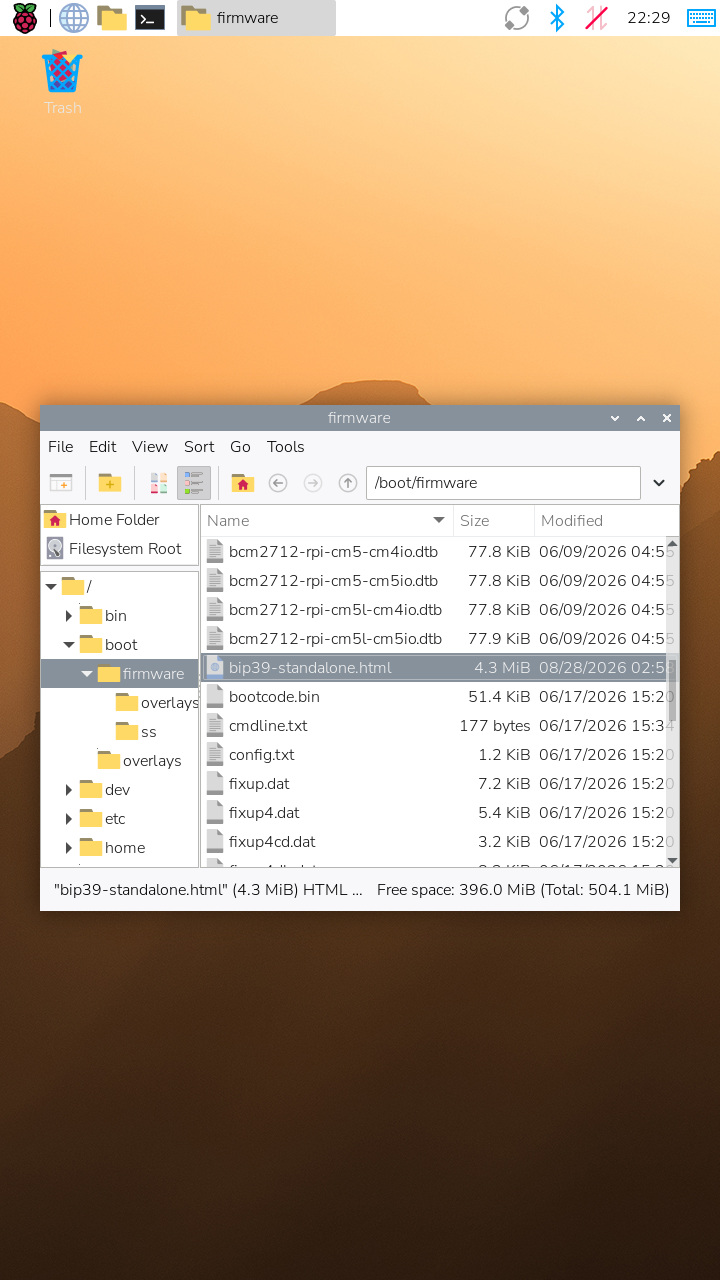
By selecting it and pressing enter.
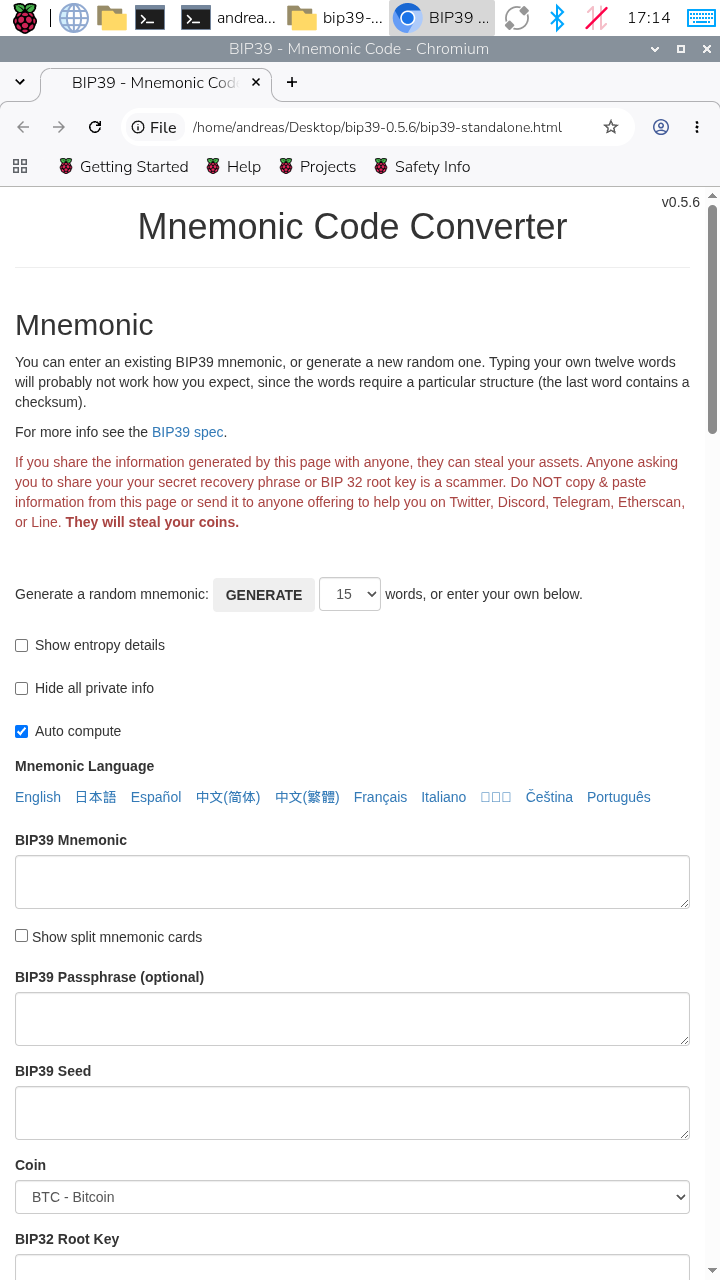
Shuffling a deck of cards
Remove the jokers from the deck.
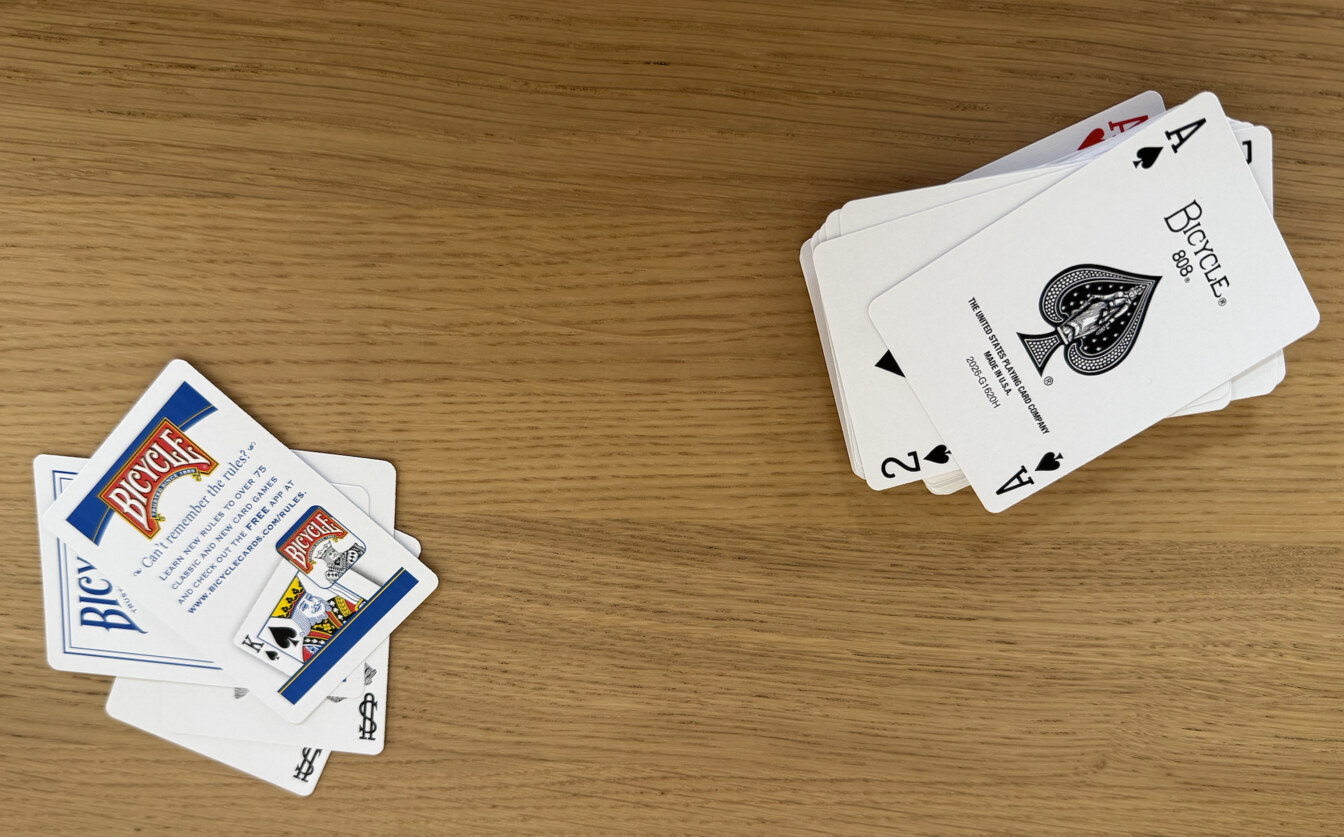
And shuffle the cards for several minutes using both riffle shuffles and wash shuffles.
Taking turns between multiple techniques will give excellent randomness. Nearly any type of shuffling works well if you just do it enough times.
Converting playing cards to seed words
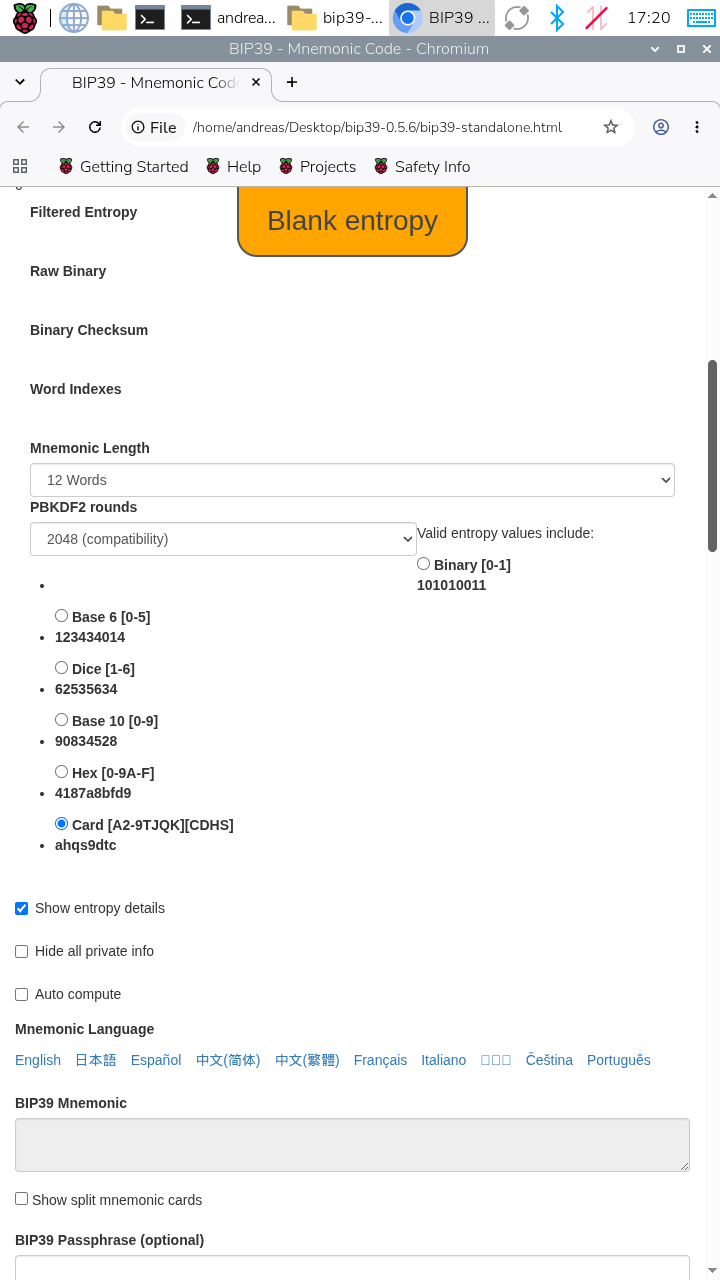
Set the Mnemonic length to 12 words, and the type to Card.
It’s important that you are in a room with no cameras, microphones, or other recording equipment. Many smart TVs may record you, Alexa will record you, and your smart phone will certainly record you. Hide in your basement or garage while doing this and close the blinds.
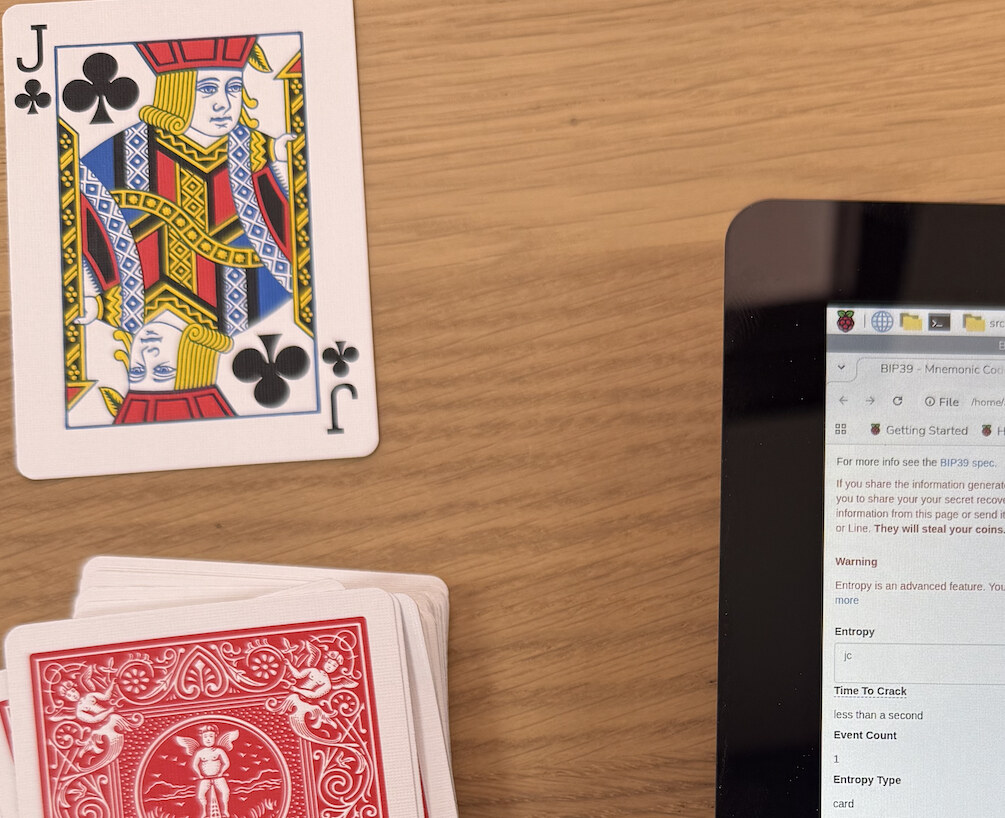
Cards are written as the rank (a, 2, 3, 4, 5, 6, 7, 8, 9, t for ten, j for jack, q for queen, k for king) followed by the suit (s for spades, c for clubs, d for diamonds, h for hearts). The ten of hearts is th and the 9 of clubs is 9c. You don’t need spaces or commas between cards.
Put the deck of cards next to your air gapped machine and input the cards into the Entropy text field.
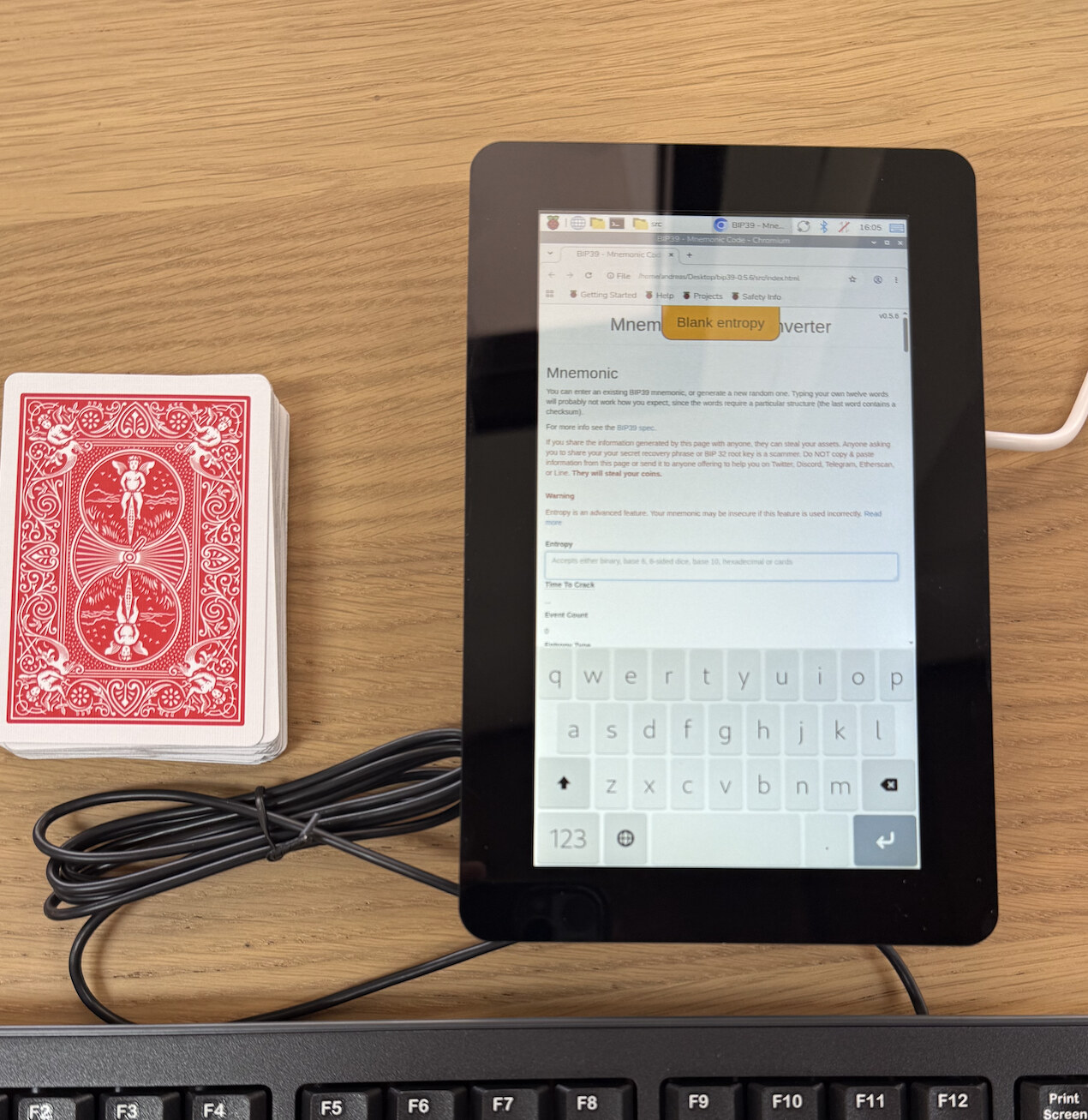
Draw the cards one by one and enter each one. Take your time.
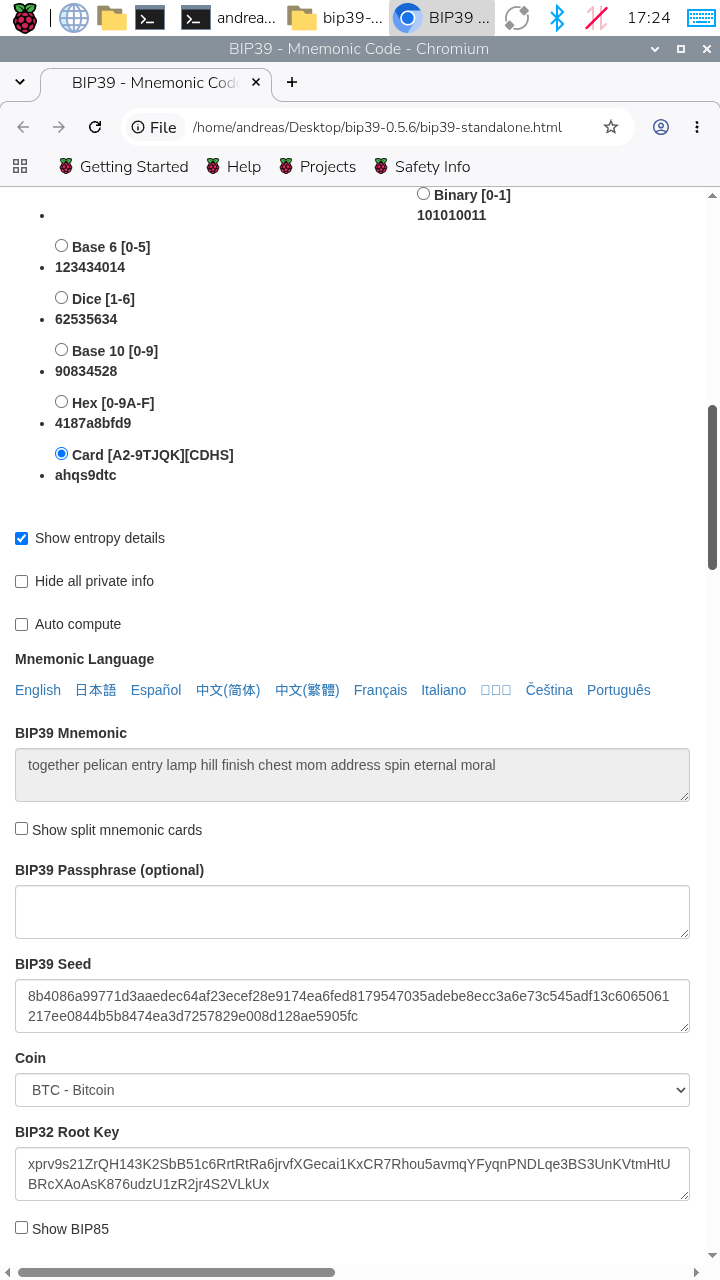
With all 52 cards entered, you will see your final seed words.
Write these seed words down on a piece of paper.
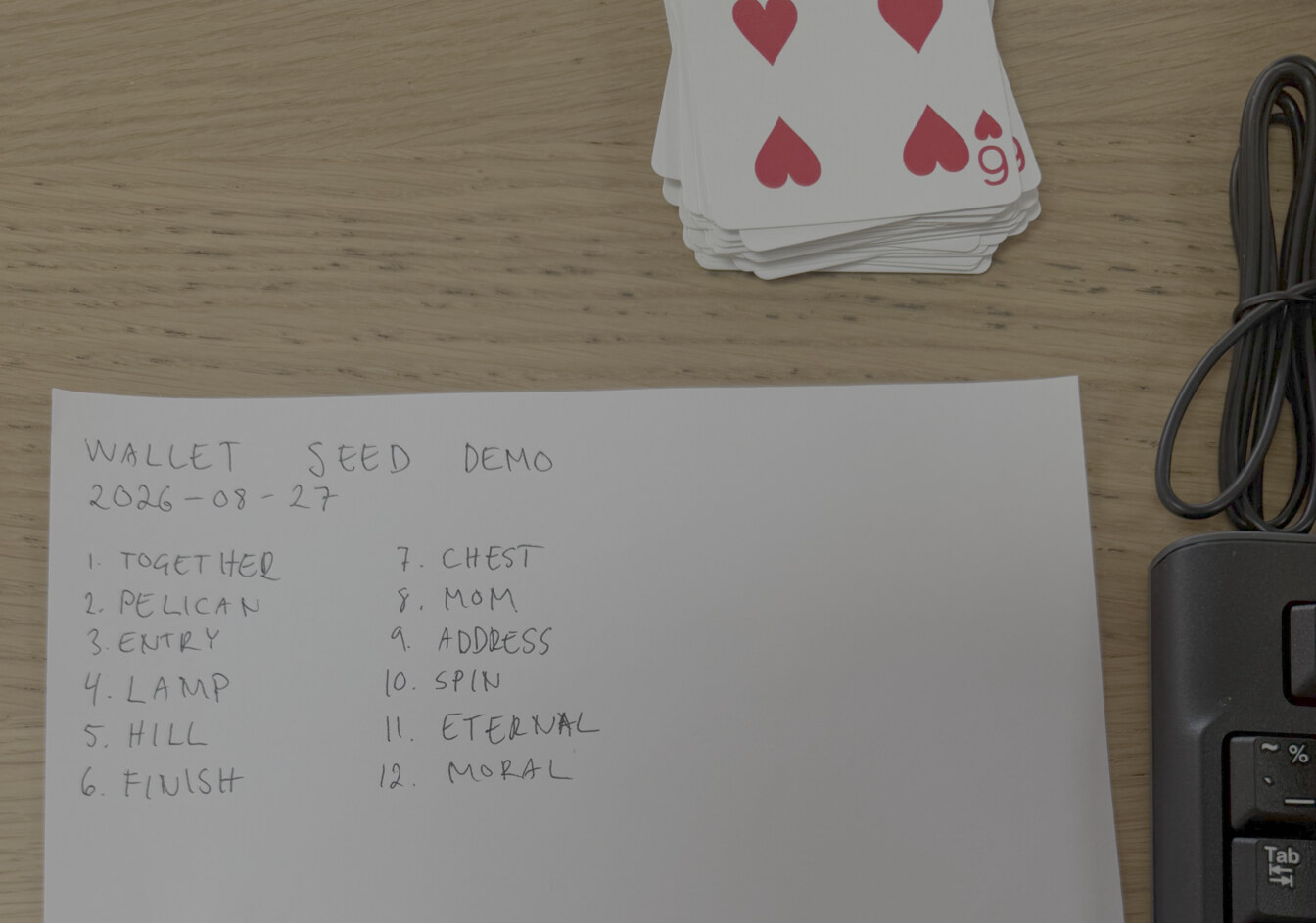
Never take a photo of or scan your seed words. Never enter them into a computer or phone, including password managers.
Using the seed words
I plug in a Trezor hardware wallet and choose Recover existing wallet. I choose Recover instead of new wallet since I already have the seed words written down.
Choose 12 words.
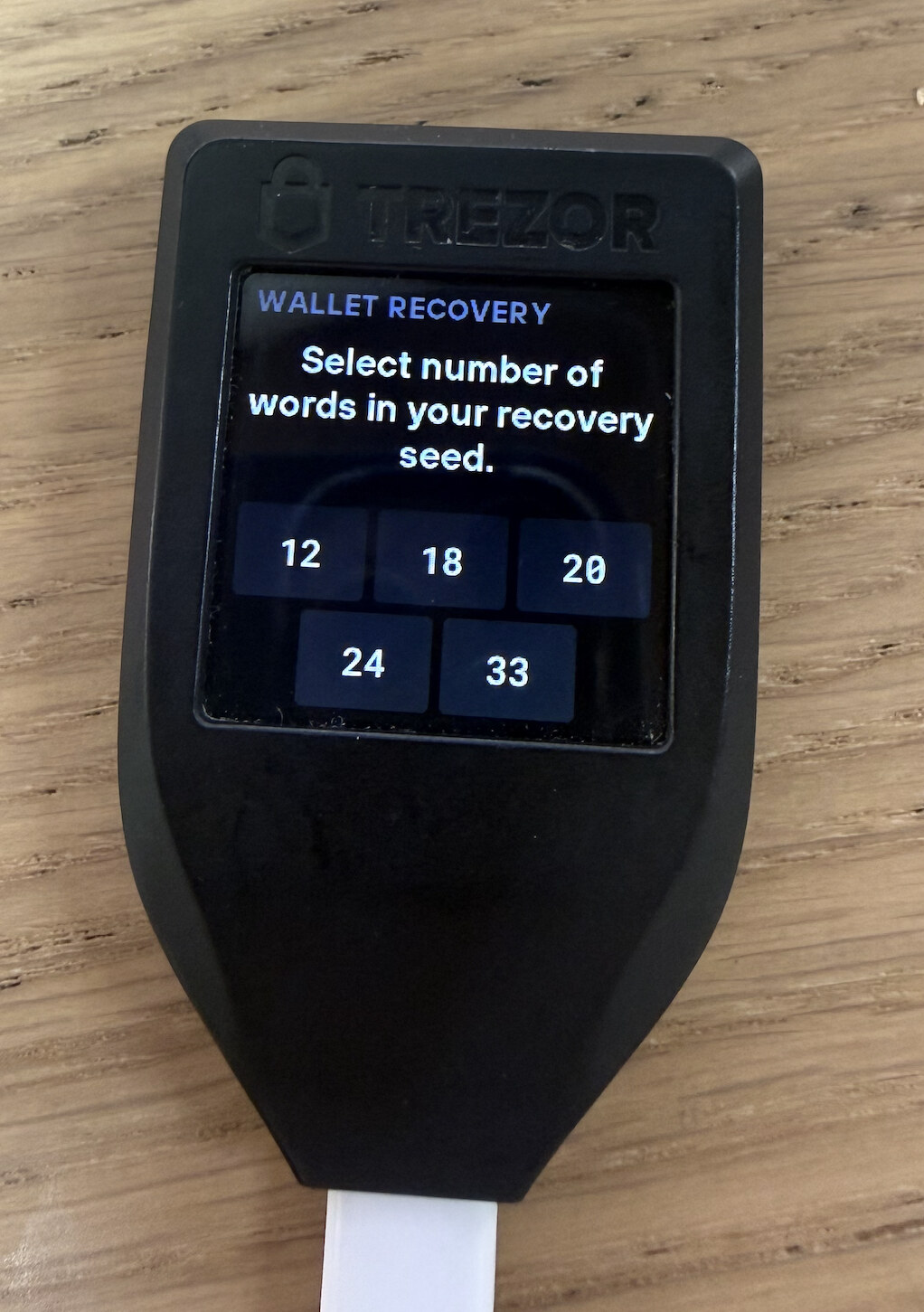
Seed words have an inbuilt checksum, meaning the Trezor won’t let you enter any typos, so don’t worry about that.
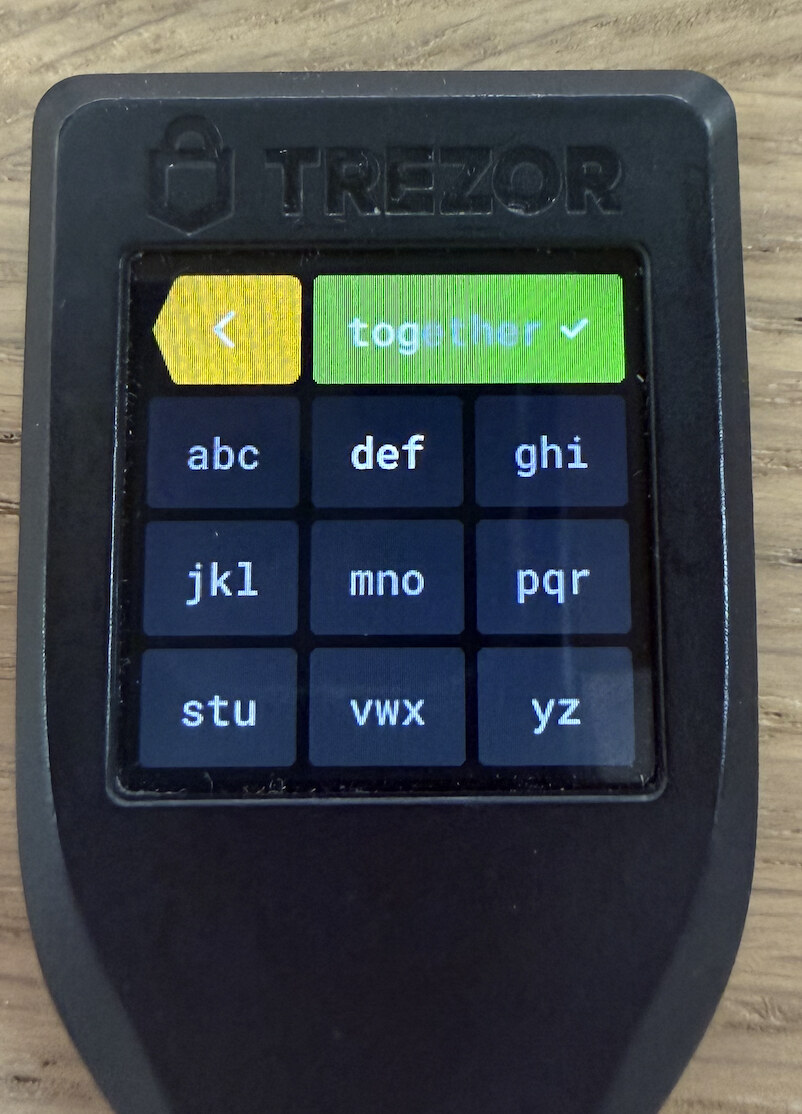
Enter the remaining words to complete the setup.
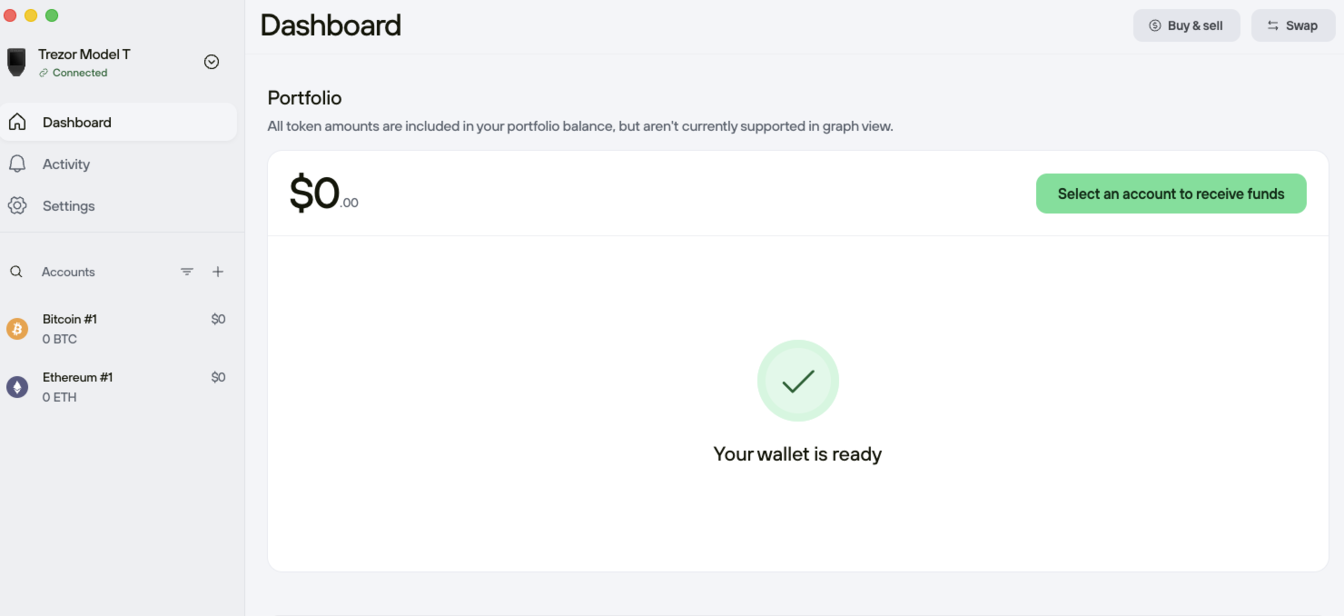
Add a PIN code to your hardware wallet and consider using passphrase wallets.
Finishing up
Before you put the cards back in the pack, make sure you shuffle them again. If you leave them as is someone could derive your seed words from reading them out in order.
Put the seed words in a safe place such as a home safe or with someone you trust, next to other valuable documents. Do not use a safety deposit box in a bank as these are unfortunately subject to seizure or theft by the government.
You are now ready to self custody your bitcoin.
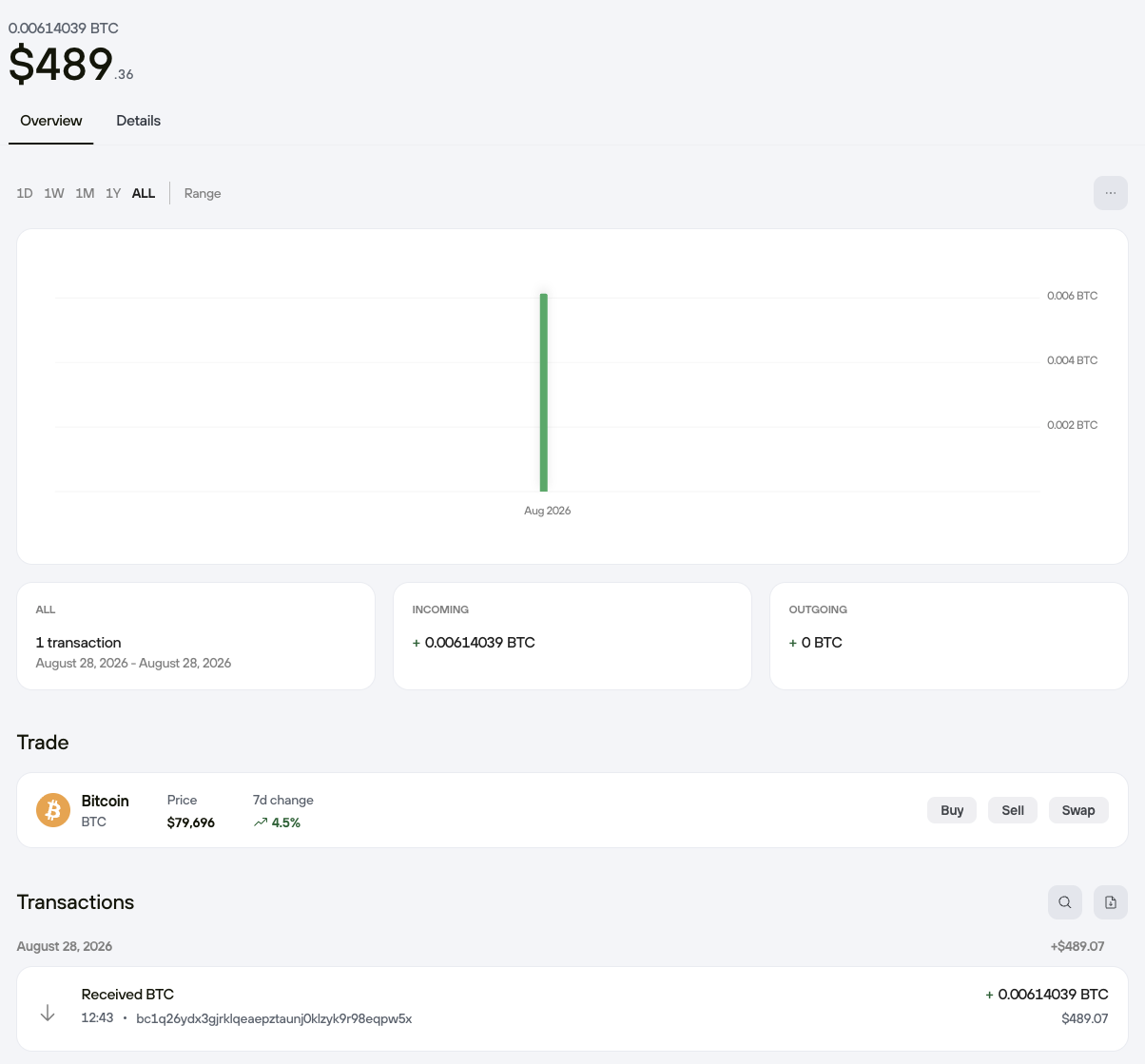
I added some funds behind a passphrase to this demo wallet. See if you can find it!